
Your Old Laptop's Encore: Unleashing Dual-Screen Productivity Without New Hardware
Unleash hidden potential! Learn how savvy tech users are transforming old laptops into valuable second monitors, boosting productivity and reducing e-waste…

The quest for increased screen real estate is a perennial pilgrimage for knowledge workers, gamers, and content creators alike. A multi-monitor setup isn't just a luxury; it's a proven accelerator of workflow, transforming cramped digital desks into expansive, multi-windowed arenas. The conventional wisdom often dictates another trip to the electronics store, another chunk of capital expended on a shiny new display. But what if we told you that true tech savvy lies not in acquisition, but in intelligent utilization of existing assets?
"The Byte Republic" has observed a growing trend among discerning professionals: the resurrection of the 'retired' laptop. Instead of contributing to the growing mountain of e-waste or gathering dust in a closet, that perfectly functional but perhaps underpowered notebook can find a new lease on life as a dedicated secondary display. It's a shrewd move that sidesteps immediate hardware investment while significantly amplifying productivity.
Unlocking Wireless Versatility
The most elegant solution, particularly for Windows users, leverages the operating system's native casting capabilities. Windows 10 and 11, for instance, are equipped with Miracast, a wireless display standard that allows seamless projection between compatible devices over Wi-Fi. The setup is remarkably straightforward: a quick dive into your spare laptop's system settings to enable 'Projecting to this PC,' a few clicks to add the 'Wireless Display' feature, and you're almost there. Once activated, your primary machine can effortlessly detect and connect to the secondary laptop, enabling you to extend or duplicate your desktop with a simple keystroke (Windows key + K). It's a testament to built-in efficiencies that often go underutilized.
While wireless casting offers unparalleled convenience – freeing your workspace from cable clutter – it's crucial to acknowledge its limitations. Performance can be tethered to Wi-Fi signal strength, occasionally introducing a hint of lag. For tasks demanding absolute responsiveness, such as competitive gaming or precision video editing, this might be a noticeable trade-off. However, for managing emails, monitoring chat applications, hosting presentations, or simply spreading out a multitude of browser tabs, wireless extension is a potent, accessible tool.
The Wired & Software Alternative
For those who prioritize unflinching stability or operate in environments where wireless interference is a concern, traditional wired connections or specialized software solutions present robust alternatives. While simply plugging in an HDMI cable won't magically transform a laptop into a monitor (as it's an output, not an input), dedicated software, often paired with USB or Ethernet connections, can bridge this gap. These applications, which vary across Windows, macOS, and Linux ecosystems, effectively trick your spare laptop into acting as an external display, albeit with a minor software footprint. They typically offer superior refresh rates and minimal latency, making them ideal for more demanding applications where precision is paramount.
The Global Angle
This isn't merely a niche hack for the tech-obsessed; it's a powerful narrative for the global tech landscape. In economies where access to cutting-edge hardware may be constrained, or where entrepreneurial spirit thrives on resourcefulness, repurposing existing tech democratizes access to advanced productivity setups. For digital nomads navigating diverse workspaces, or remote teams spread across continents, the ability to transform a dormant device into a dynamic workflow enhancer is invaluable. Furthermore, in an era increasingly conscious of environmental impact, extending the lifecycle of electronics by giving them a second purpose is a tangible step towards reducing e-waste. It's about smart, sustainable tech utilization that resonates from Silicon Valley startups to burgeoning tech hubs in Bangalore and Lagos.
In essence, the message is clear: before you click 'add to cart' for that new monitor, take a moment to survey your existing tech arsenal. You might just find that your next productivity upgrade is already sitting right in front of you.
Source: Engadget

Silicon vs. Slop: The Battle for Photographic Authenticity Begins
As AI deepfakes flood the internet, CAIM1's prototype camera offers a hardware-backed cryptographic solution to restore trust in digital images. "The Byte…

Decentralized AI: The True Cost of Cutting the Cloud Cord
Want AI on your own terms? The Byte Republic explores the critical hardware specs and financial investment needed to run powerful LLMs directly on your PC.
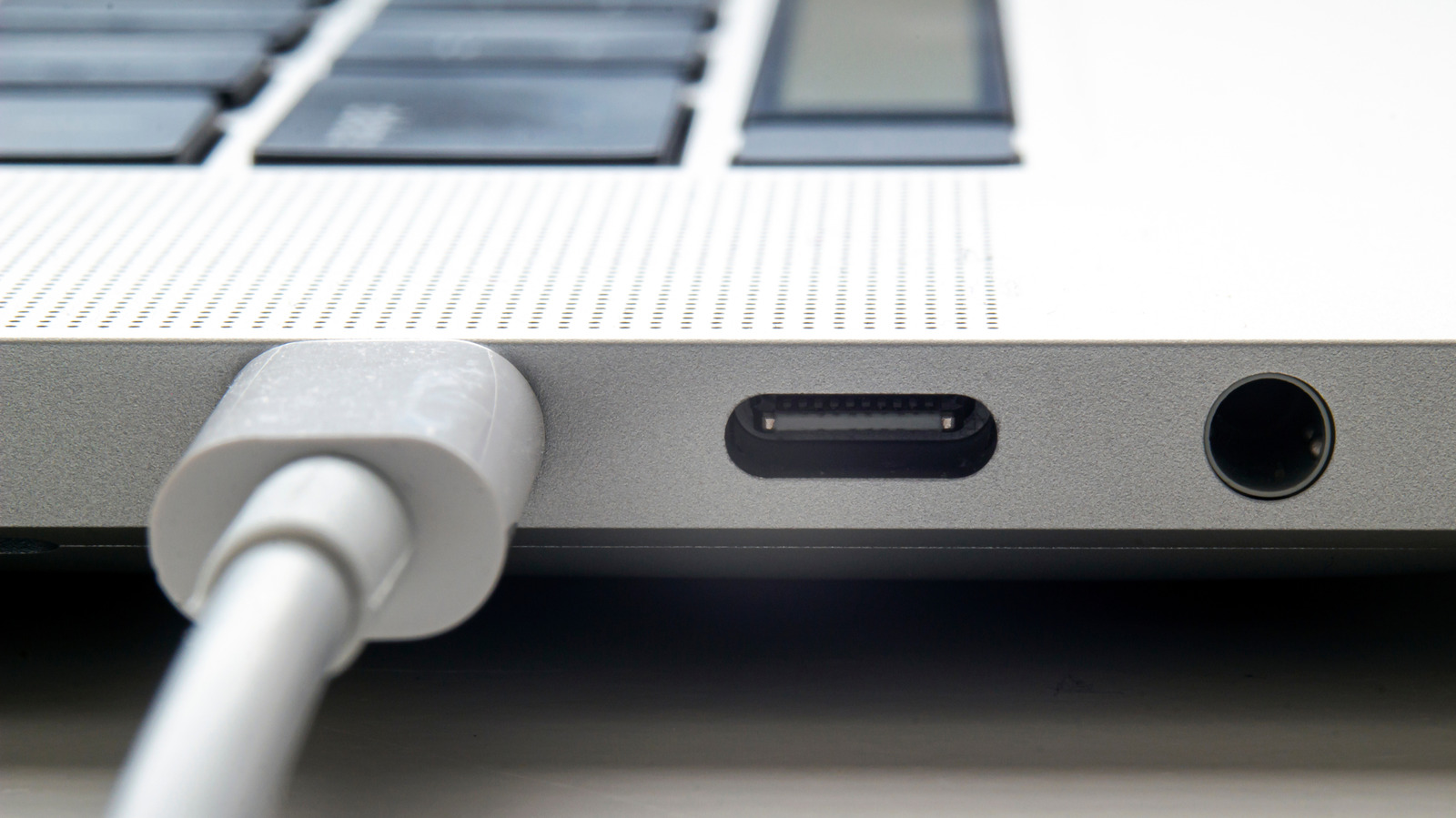
The Phantom Port: Decoding Your MacBook's USB Disconnects
Even Apple, a USB pioneer, can stumble. Dive into why MacBooks sometimes miss USB devices, common fixes, and the global implications of connection friction.
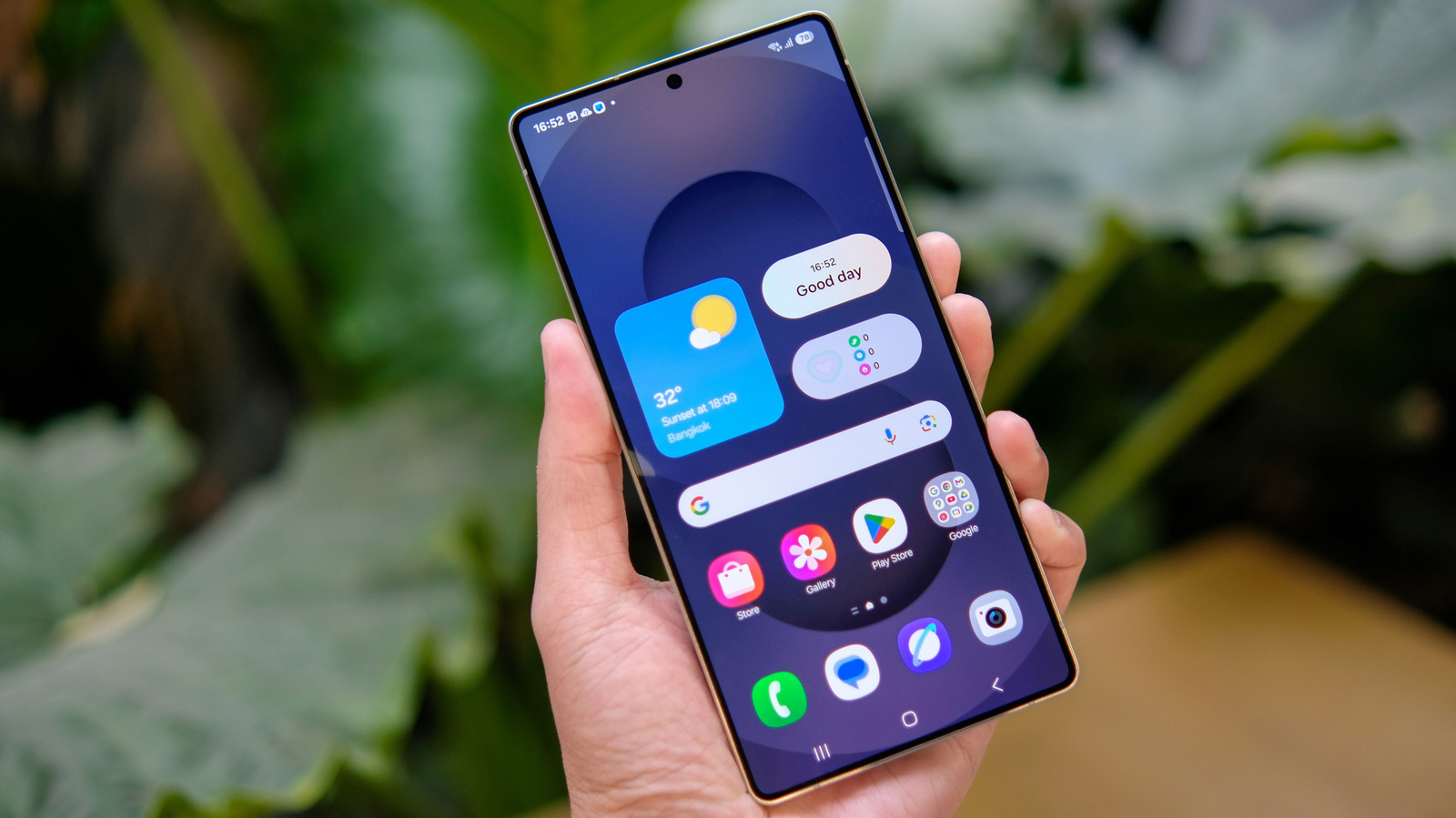
One UI's App Drawer: A Nod to Legacy in a Gesture-Driven Era
Samsung's One UI quietly removed the "all apps" button by default, yet offers a surprising olive branch to traditionalists. We unpack this subtle battleground…
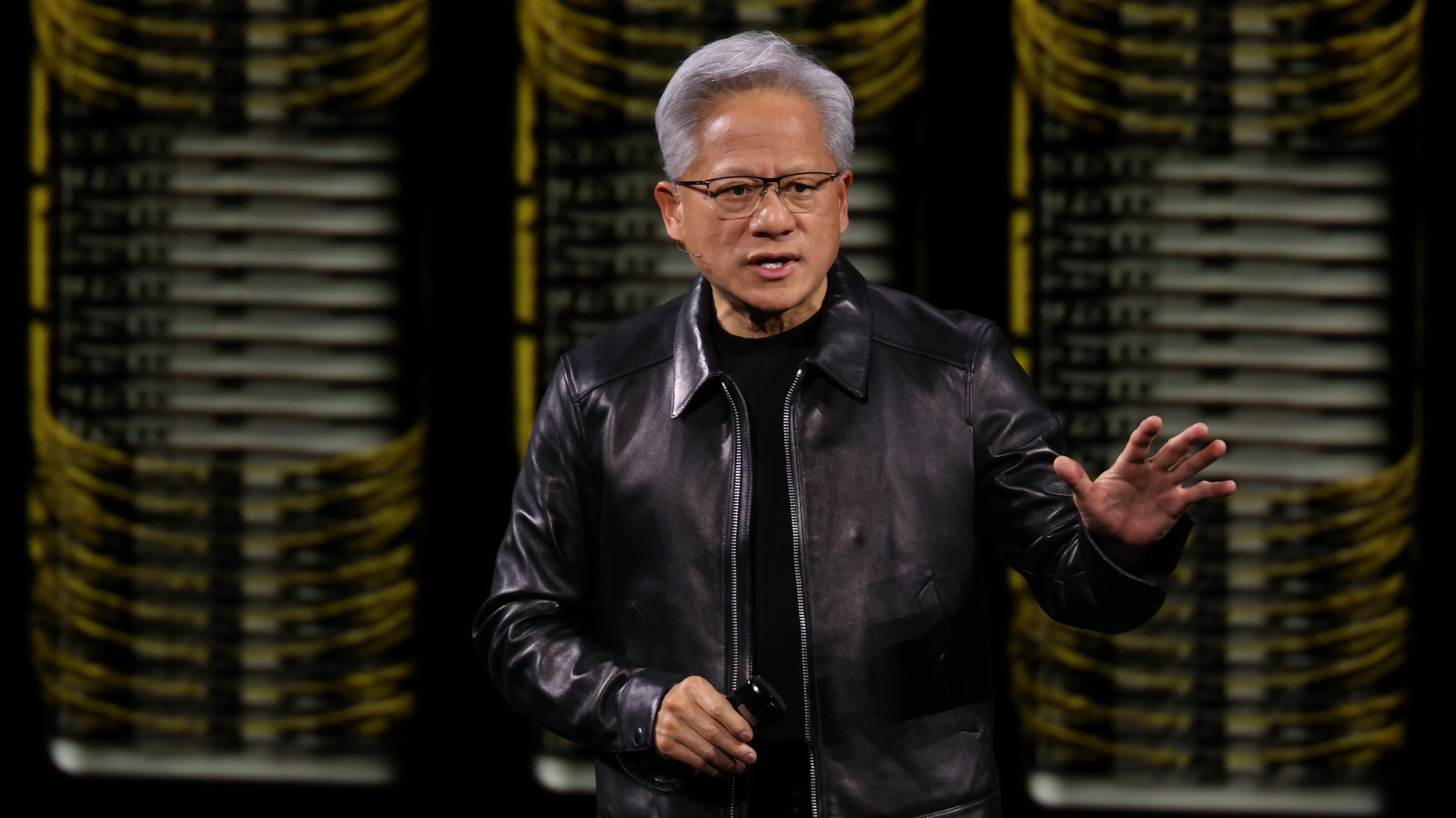
AI's Architect Under Siege: Jensen Huang's Affair Sparks Espionage Probe
NVIDIA launches probe into CEO Jensen Huang over alleged Chinese spy efforts, linking a top executive's affair to national security concerns in the AI race.

Defying the Upgrade Cycle: Your Old Smartwatch Isn't Dead Yet
Don't toss that old smartwatch. Discover how to transform forgotten tech into a dedicated AI assistant, tracker, or note-taker, challenging Big Tech's upgrade…
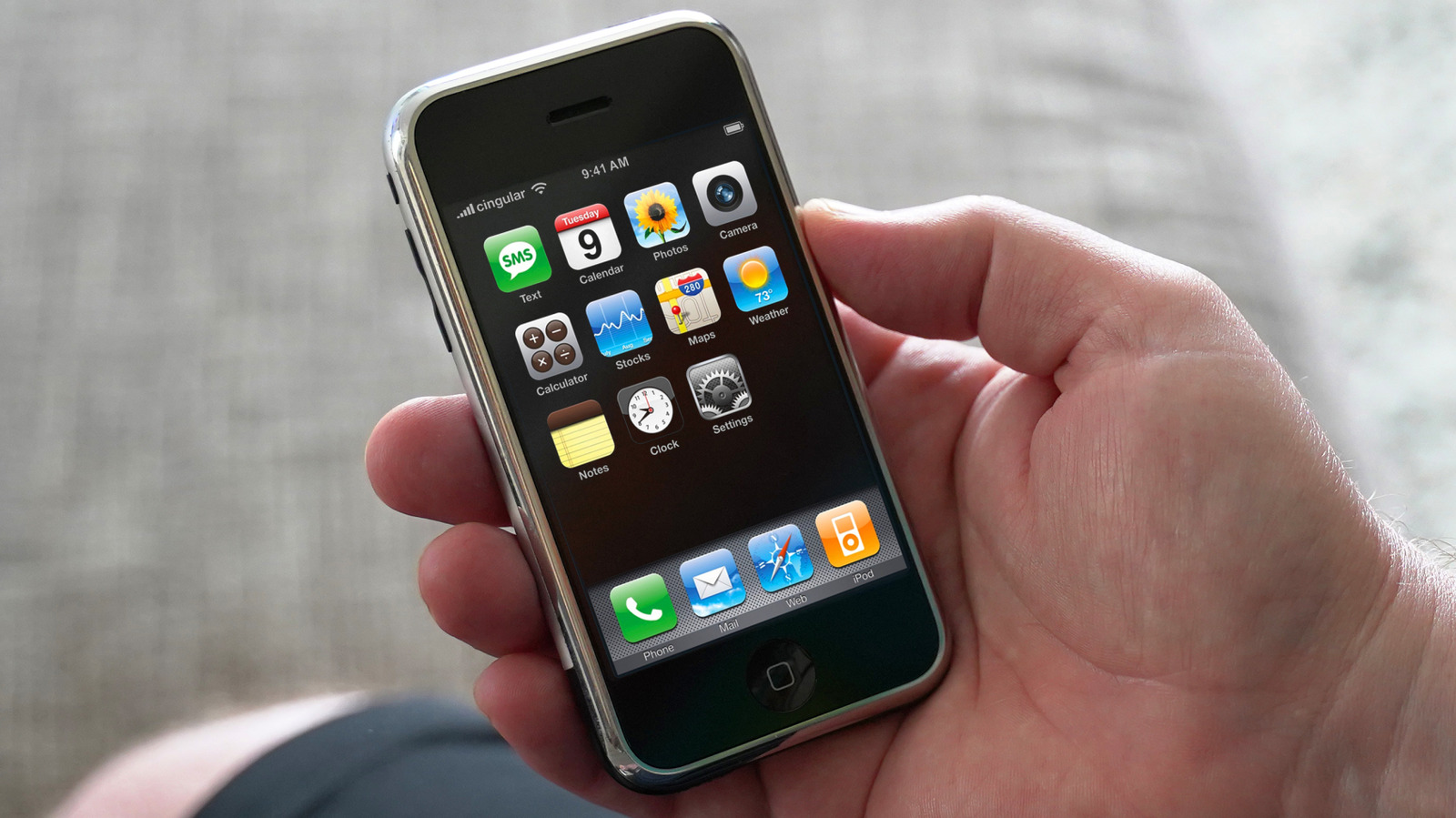
The iPhone's Enduring Illusion: What the 'Cheaper' Past Really Cost
Unpacking Apple's iPhone pricing from 2007 to today. The Byte Republic examines how inflation and carrier shifts redefine perceived value for global consumers.